

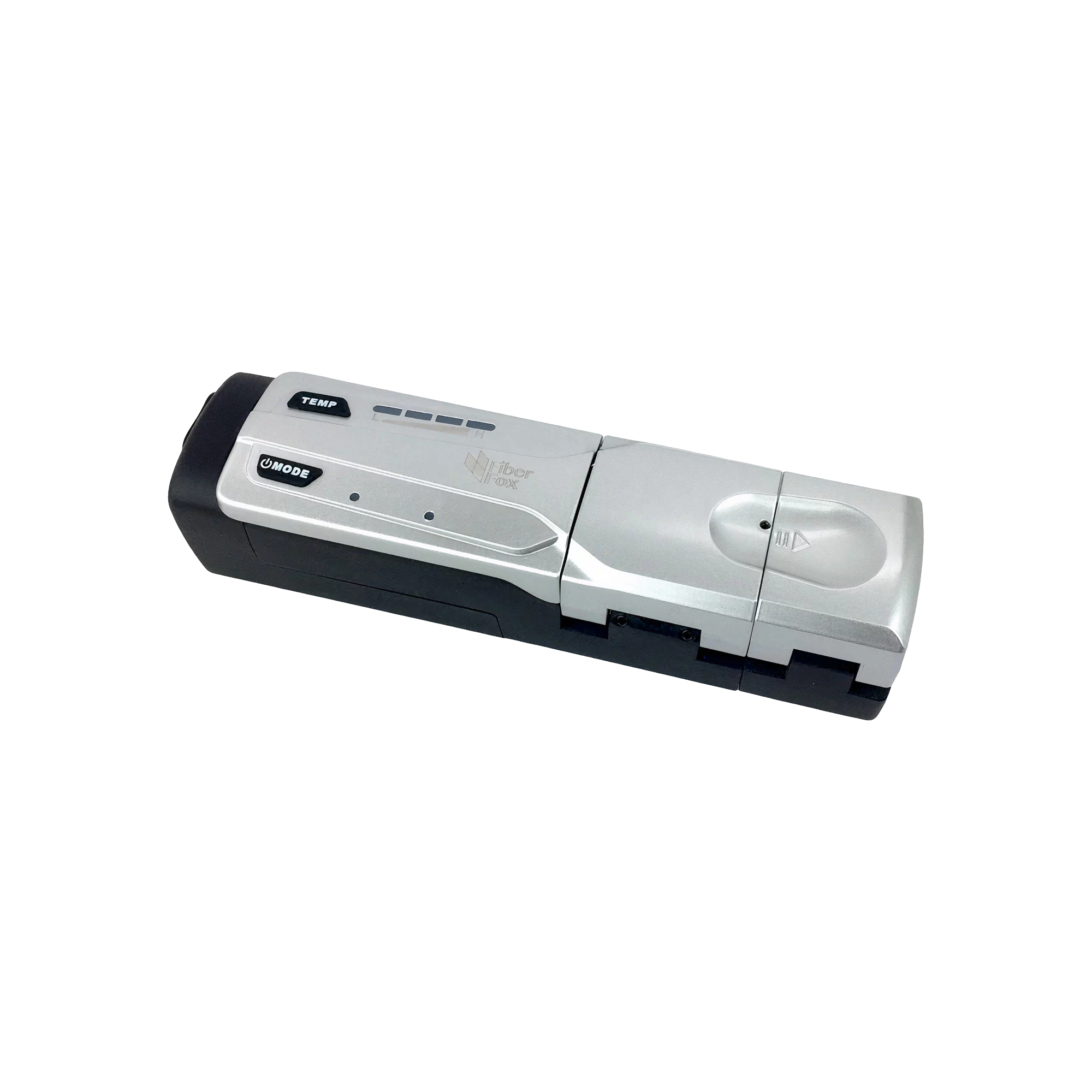


HS-12 Thermal Stripper
 Switch the HS-12 thermal stripper on, and never forget to adjust the thermal strippers settings. Different types of fibers require different settings and temperature.
 Move the thermal stripper's sliding part outward until it cannot be pulled anymore. Open the sliding part cover and the heater cover, and place the fiber with its holder in the sliding part.
 Close the sliding part cover with the fiber holder inside it.
 Slide the fiber holder part toward the thermal heater, with its cover closed. Keep the heater cover open to look and make sure you slide until the fiber length is accurate.
 Close the thermal heater cover and it will start heating automatically. You will have to wait until the temperature light starts to blink.
 After you see the temperature light blinking, hold both covers tightly and pull the slider away from the thermal heater. The heated coating will be removed and the fiber will be stripped and ready for cleaving then fusion splicing.
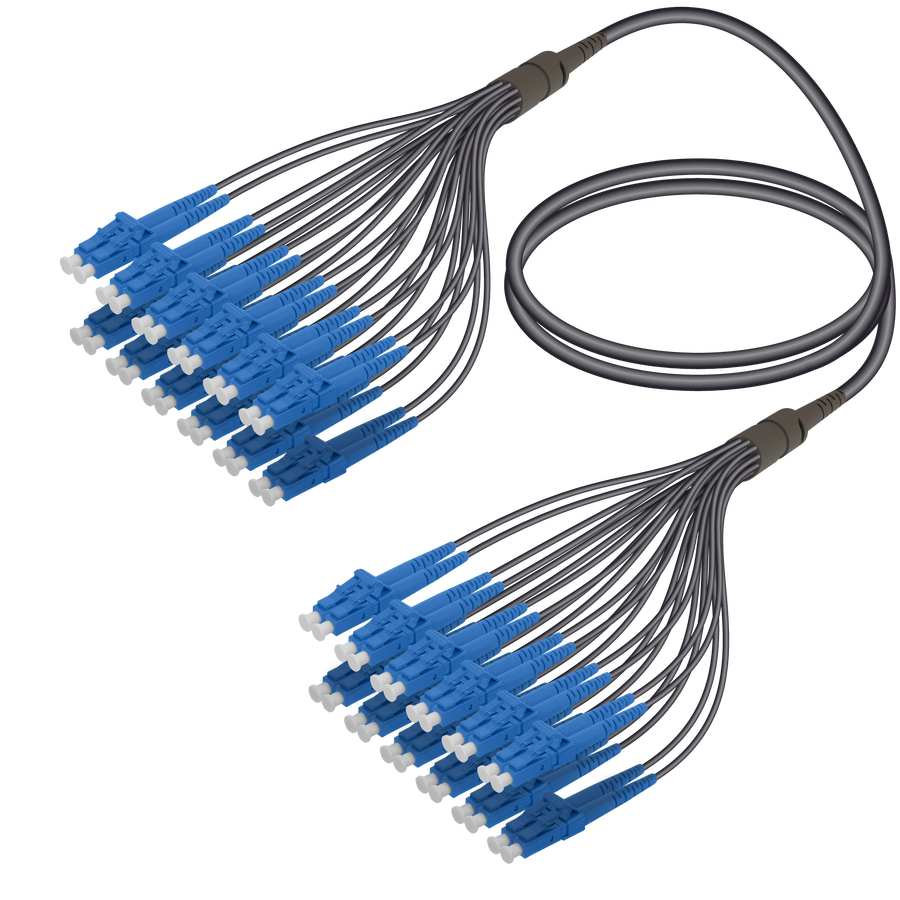 LC/UPC-LC/UPC | 24 Fibers Universal Fanout | Single Mode G657.A2 | 4.8/1.8mm
MLU24FUFLU-SM-4.8mm
REVIEW
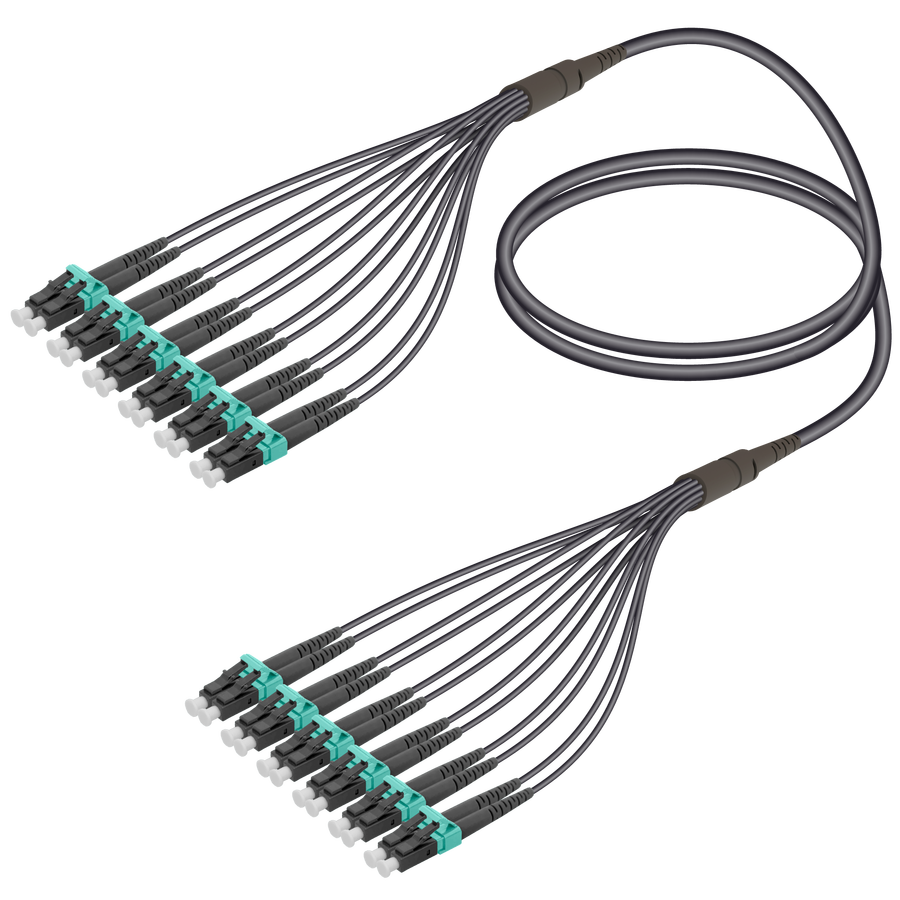 LC/UPC-LC/UPC | 12 Fibers Universal Fanout | Multi Mode G651.OM3 | 4.8/1.8mm
MLU12FUFLU-MM3-4.8mm
REVIEW



 Home Page
 Fiber Optic Products
  Data Centers
  FTTH/GPON Products